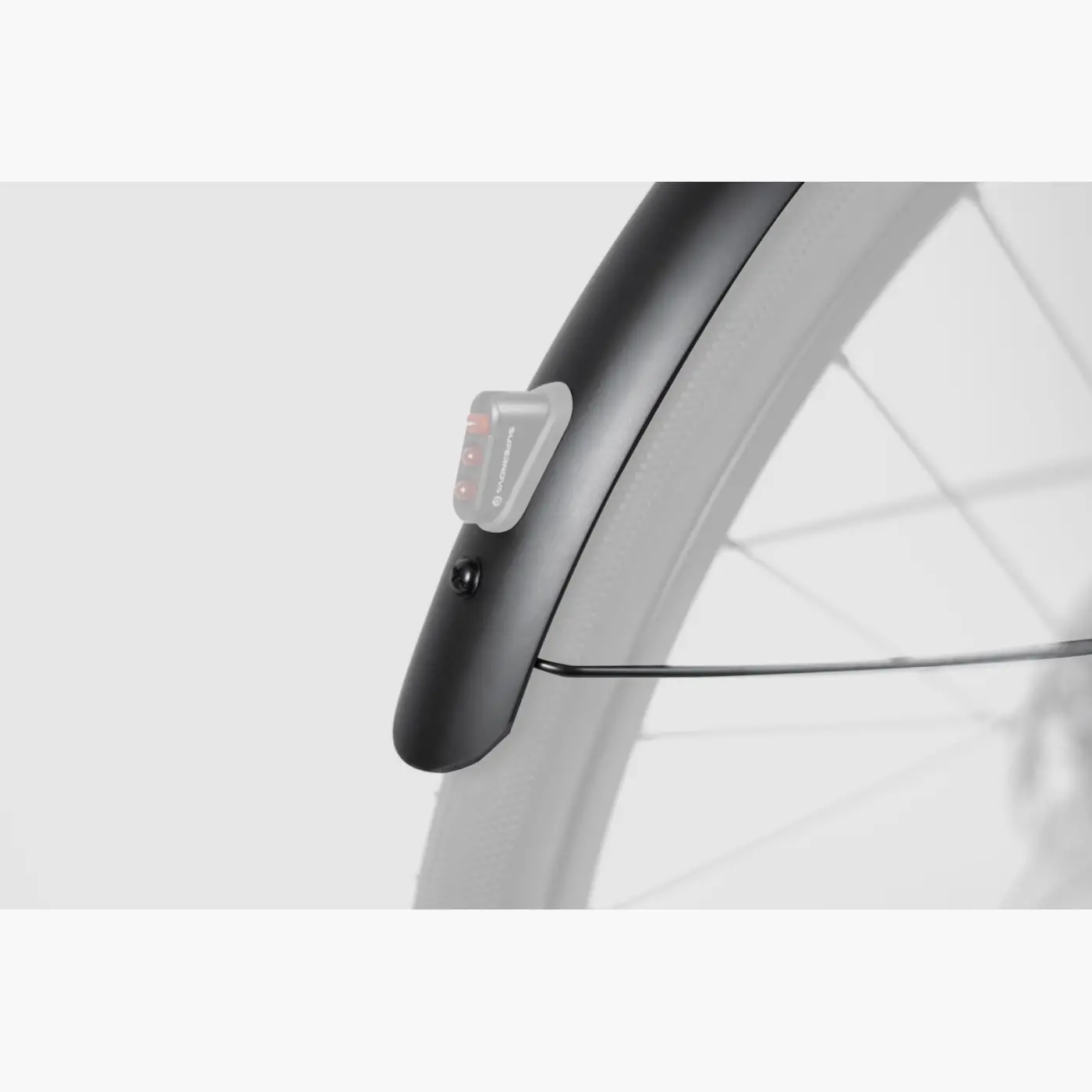
Mudguard Installation
Short answer
Section titled “Short answer”To replace the rear mudguard with the rear light version, remove the damaged mudguard, cut the lamp cable while leaving at least 20 cm from the frame, mount the new mudguard, reinstall the rear light, connect and insulate the cables, then test the rear light before riding.
Applies to
Section titled “Applies to”This guide applies to the Booda Bike Possible mudguard set — rear light version.
TODO: Confirm exact compatible Booda Bike models and production years.
Tools needed
Section titled “Tools needed”- Torx key T25
- Torx key T10
- Scissors
- Wire stripping pliers
- Heat-shrink tubing
- Soldering equipment
- Drill, only if the mudguard hole does not align correctly
TODO: Confirm required drill bit size.
1. Remove the damaged mudguard
Section titled “1. Remove the damaged mudguard”The rear mudguard is attached at four points:
- two mudguard stay attachment points
- one bottom attachment point
- one middle attachment point
Steps:
- Unscrew the attachment points with a T25 Torx key.
- After the screws are removed, the mudguard will still be connected by the rear light cable.
- Cut the lamp cable.
- Leave at least 20 cm of cable extending from the frame.
2. Position the new mudguard
Section titled “2. Position the new mudguard”- Place the new mudguard onto the frame using only the bottom mount.
- Check whether the mounting hole aligns correctly.
- If the hole does not align, adjust the hole position with a drill.
3. Mount the rear light
Section titled “3. Mount the rear light”- Remove the rear light from the damaged mudguard with a T10 Torx key.
- Install the rear light onto the new mudguard.
- Route the lamp cable through the cable guard toward the end of the mudguard.
- If the cable does not reach the end of the mudguard, remove only the necessary amount of cable guard so the cable can be accessed easily.
4. Mount the new mudguard onto the bike
Section titled “4. Mount the new mudguard onto the bike”- Mount the mudguard onto the bicycle.
- Secure the bottom mount, middle mount, and mudguard stays.
- Check that the mudguard sits correctly over the wheel.
- Check that the mudguard does not rub the tire.
TODO: Confirm torque values for the rear mudguard mounting bolts.
5. Connect the rear light cables
Section titled “5. Connect the rear light cables”- Find the point where the frame cable and rear light cable meet.
- Slide heat-shrink tubing onto one side of the cable before connecting the wires.
- Connect the lamp cables as shown in the original wiring diagram.
- Make sure the red and blue wire connections do not touch each other.
- Cut the red and blue wires so the connection points are offset from each other.
- Solder the connections.
- Pull the heat-shrink tubing over the connected cables.
- Shrink the tubing.
- Insulate the cables thoroughly.
6. Test the rear light
Section titled “6. Test the rear light”- Turn on the front light.
- Check whether the rear light turns on.
- If the rear light turns on, the electrical connection is complete.
- If the rear light does not turn on, do not ride in low-light conditions until the issue is fixed.
TODO: Add troubleshooting steps for rear light not turning on.
7. Final safety check
Section titled “7. Final safety check”Before riding, check that:
- the mudguard is secure
- the rear light is secure
- the rear wheel is correctly installed
- the mudguard does not rub the tire
- no cable can touch the tire, spokes, brake rotor, or belt drive
- the rear light turns on when the front light is switched on
Spin the rear wheel by hand before riding. If anything rubs, moves, or feels loose, do not ride the bike.
When to contact Booda Bike service
Section titled “When to contact Booda Bike service”Contact Booda Bike service if:
- the mudguard mounting holes do not align
- less than 20 cm of cable remains from the frame
- the rear light does not turn on after connection
- the wires or insulation are damaged
- the mudguard rubs the tire
- you are unsure about soldering, drilling, or reinstalling the wheel
TODO: Add Booda Bike service contact link.