3x3 hub: shifting problems and recalibration
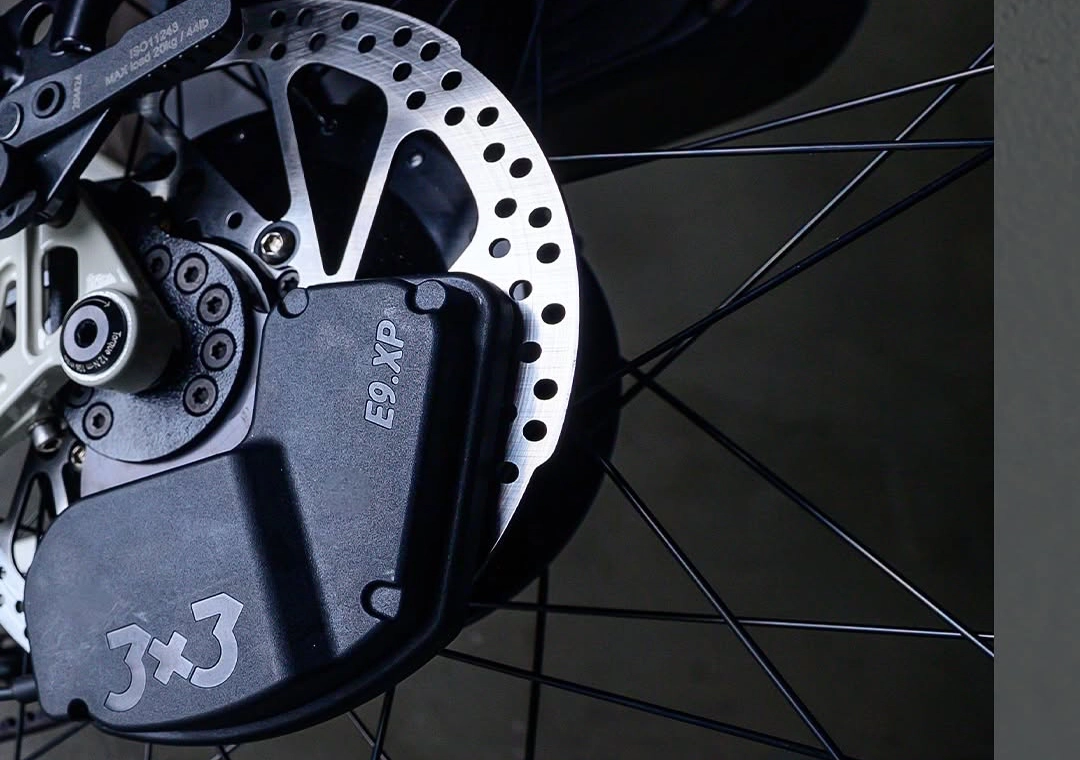
This article applies to Booda models with the 3x3 hub and electric shifting: the Alpine 3x3 and the Pulse 3x3. The shift unit on the hub is powered by an external power bank, and the handlebar trigger communicates with it wirelessly.
If the shifting suddenly stops working
Section titled “If the shifting suddenly stops working”Work through these steps in order.
1. Check the shifter
Section titled “1. Check the shifter”Press the shift buttons on the handlebar and watch the indicator light at the handlebar end.
- It flashes green: the shifter is working, has power and is sending a signal. Continue with step 2.
- There is no light: replace the battery in the shifter.
2. Connect with the 3x3 app
Section titled “2. Connect with the 3x3 app”Open the official 3x3 app on your smartphone (service.3x3.bike) and try to connect to your bike.
- The app cannot find or connect to the bike: the shift unit is not getting power. Check that the power bank is charged and connected. In most cases the cause is a damaged or faulty USB-C cable or connector between the power bank and the shift unit; replacing the cable usually solves it.
- The app connects: look at the main screen of the app. It shows the error code or status message that points to the problem.
If the cable seems faulty or the app shows an error code, contact us and send the error code or a screenshot of the app.
Recalibrating the hub
Section titled “Recalibrating the hub”Recalibrate the hub if it does not shift cleanly, or as part of a firmware update. The video above shows every step.
Step 1: Power up and connect
Section titled “Step 1: Power up and connect”Switch the system on by connecting it to the power bank. Open the 3x3 app and pair it with the bike over Bluetooth.
Step 2: Update the firmware
Section titled “Step 2: Update the firmware”Start the software update in the app. When it has finished, restart the system by disconnecting the power bank and connecting it again.
Step 3: Calibrate the shift unit
Section titled “Step 3: Calibrate the shift unit”Tap Calibration in the app. When it has finished, test the gears with the plus and minus buttons in the app, and check that the hub shifts smoothly through the whole range.
Step 4: Unpair the trigger and restart
Section titled “Step 4: Unpair the trigger and restart”Open the Unpair Trigger menu and unpair the handlebar trigger. Restart the system once more by disconnecting and reconnecting the power bank. This restart is essential: it puts the system back into pairing mode.
Step 5: Pair the handlebar trigger
Section titled “Step 5: Pair the handlebar trigger”As soon as the power bank is reconnected, press and hold the trigger button at the end of the handlebar until its light starts flashing, then release it. Check that the hub shifts both from the handlebar trigger and from the app.
Step 6: Switch off Auto Downshift
Section titled “Step 6: Switch off Auto Downshift”Make sure Auto Downshift is switched off. This function relies on speed and cadence data from an e-bike motor. A Booda has no motor, so with the function on, the setting is reset to zero every time you switch the bike off, and automatic downshifting when you stop does not work anyway.
If the problem remains
Section titled “If the problem remains”If the hub still does not shift correctly after recalibration, stop using the electric shifting and contact us with the error code or a screenshot from the app.
My 3x3 electric shifting stopped working. What should I check first?
Press a shift button and watch the light at the handlebar end: green flashing means the shifter works; no light means its battery needs replacing. Then connect with the 3x3 app. If the app cannot find the bike, the shift unit has no power, most often because of a faulty USB-C cable to the power bank.