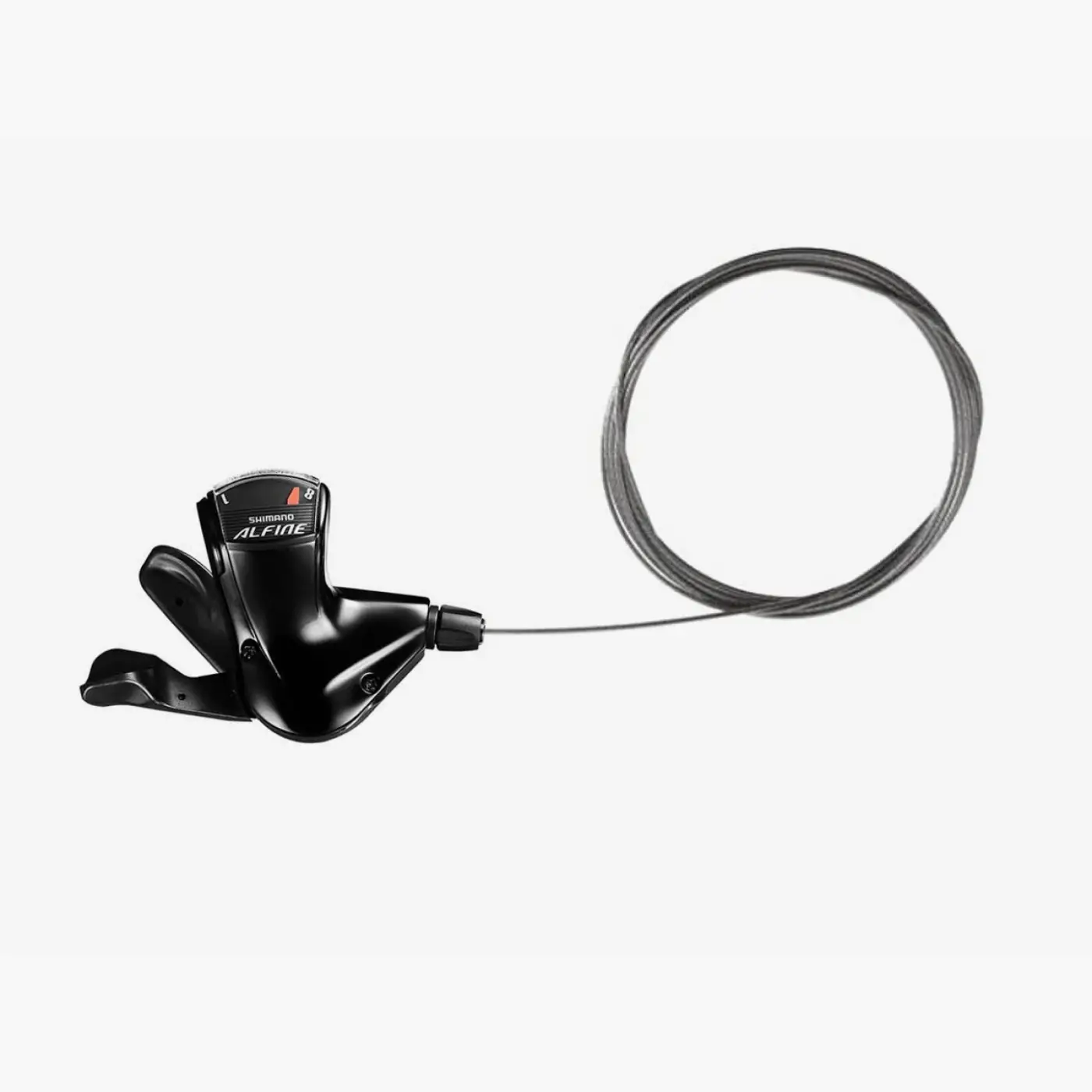
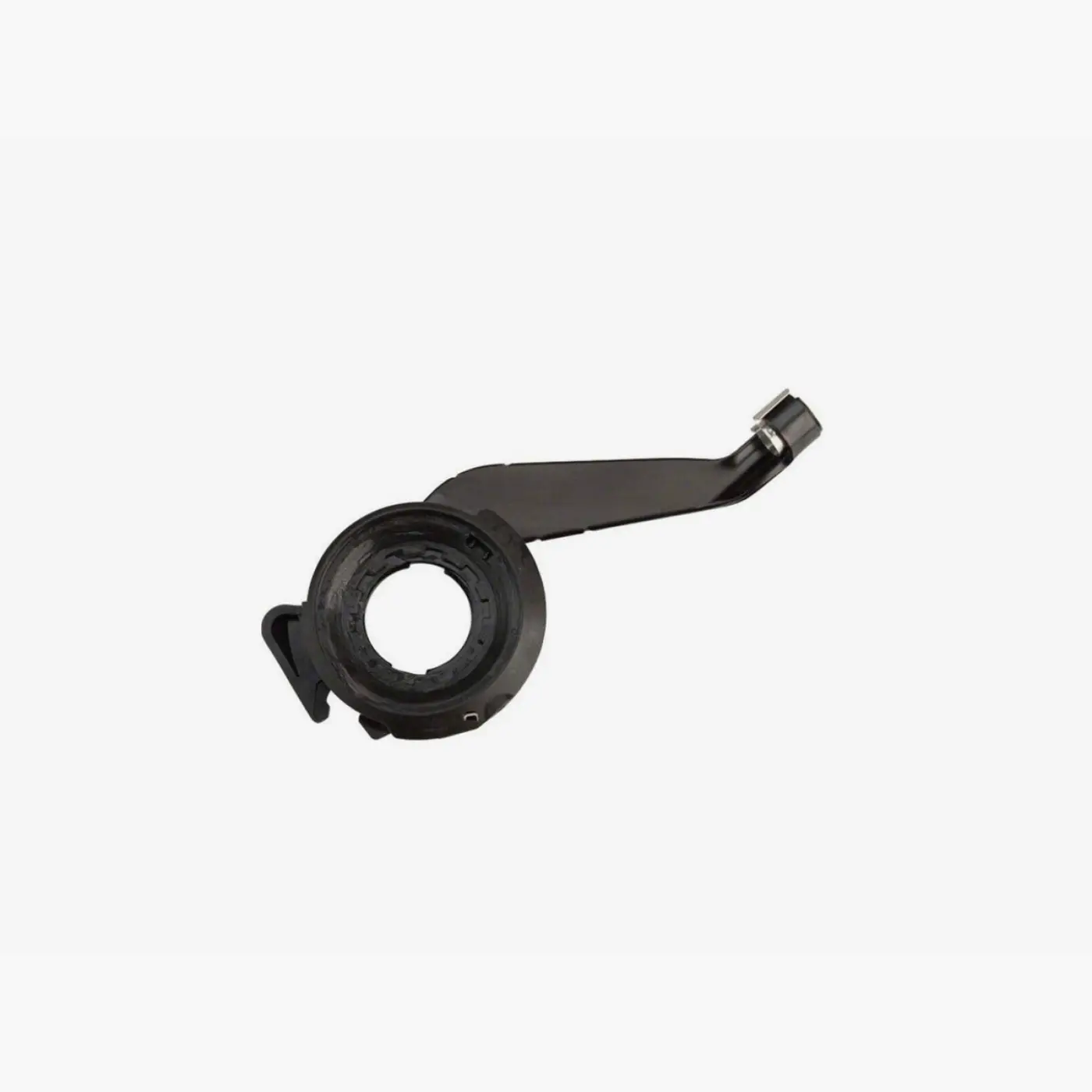
Rear Wheel Removal with Shimano Alfine
This guide explains how to disconnect the Shimano Alfine shift cable and remove the rear wheel from Booda Bike gear hub models.
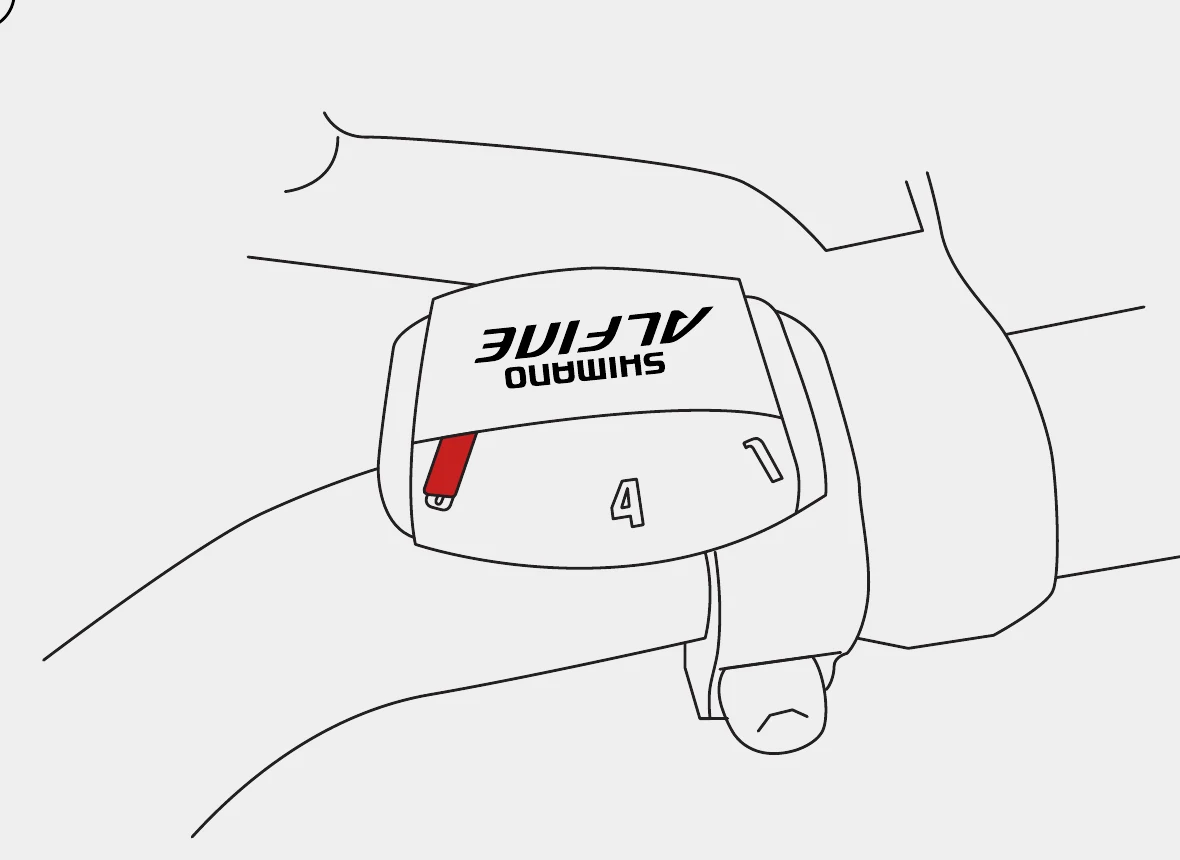
1. Shift to the highest gear
Section titled “1. Shift to the highest gear”Shift to the highest gear shown on the shifter.
On the source diagram, this is shown as 8 or 11, depending on the model.
2. Loosen the shift cable
Section titled “2. Loosen the shift cable”At the rear hub, rotate the cassette joint pulley / tension arm until the shift cable becomes loose.
The cable fixing bolt should move into its rear position.
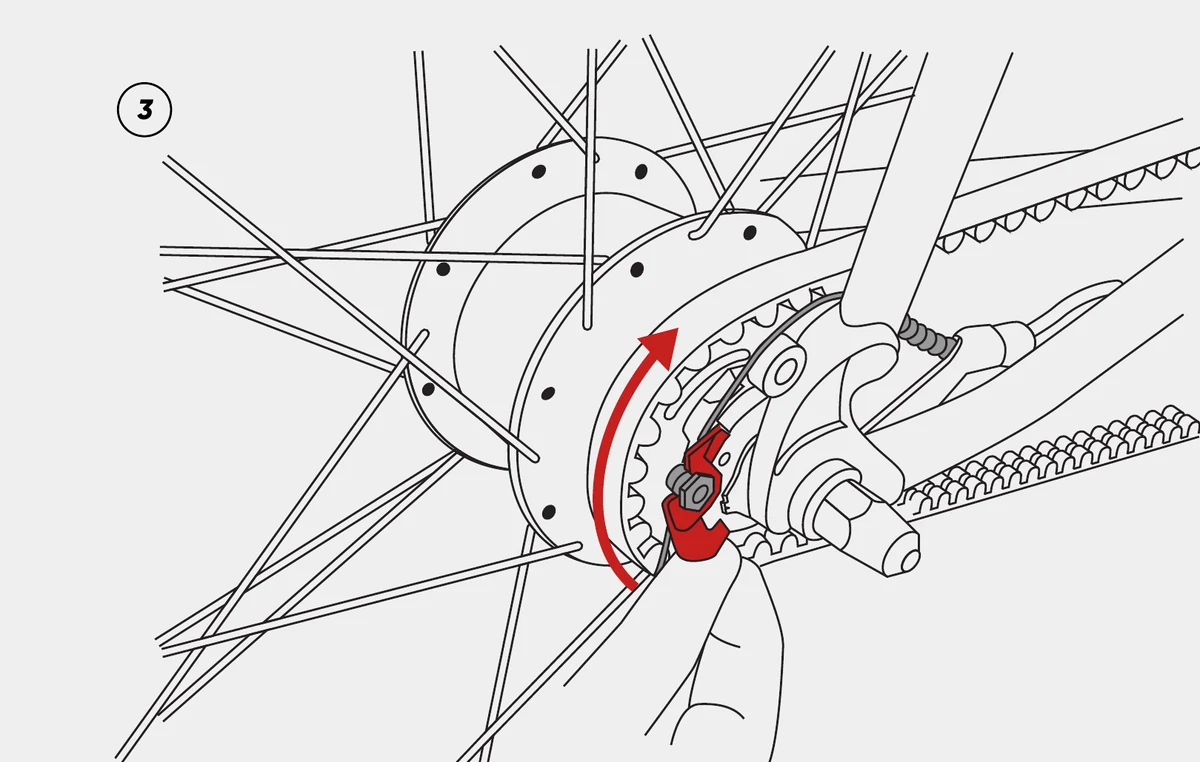
3. Unhook the cable fixing bolt
Section titled “3. Unhook the cable fixing bolt”When the tension arm is in its upper position, lift the cable fixing bolt out of its place.
Keep the cable controlled. Do not bend or kink it.
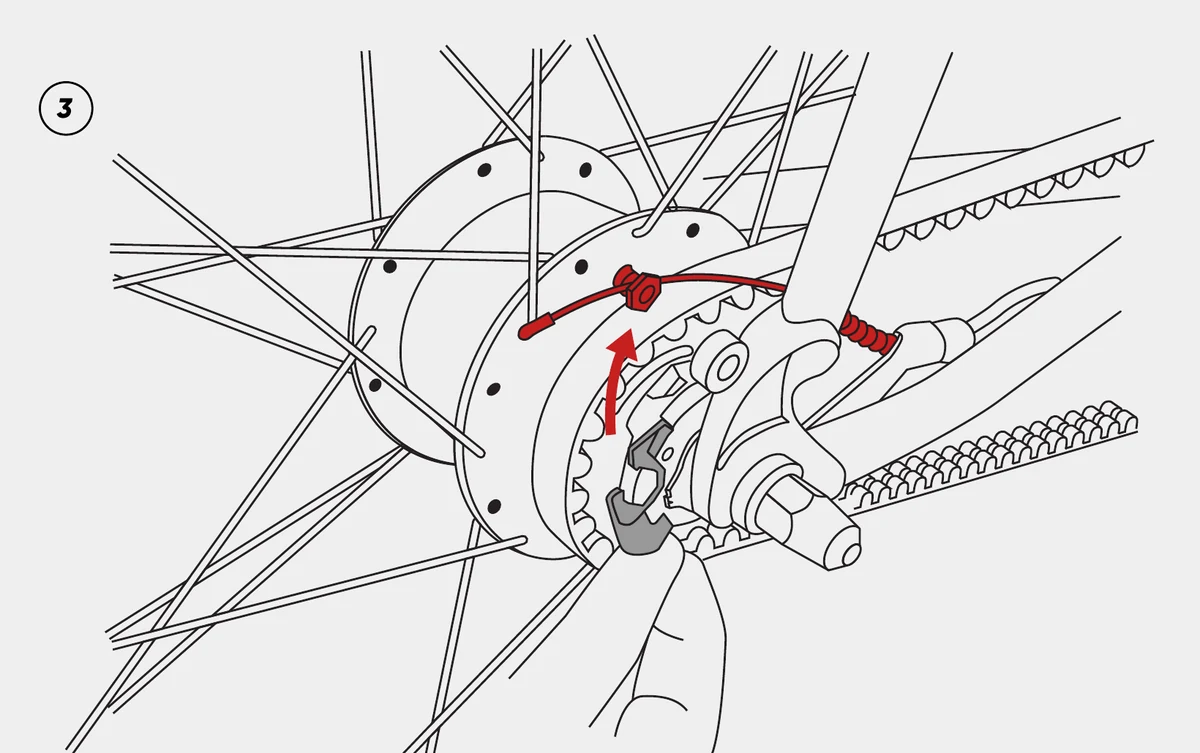
4. Loosen the rear axle nuts
Section titled “4. Loosen the rear axle nuts”When the shift cable is free, loosen the rear axle nuts on both sides of the hub with a 15 mm wrench.
Support the wheel while loosening the nuts.
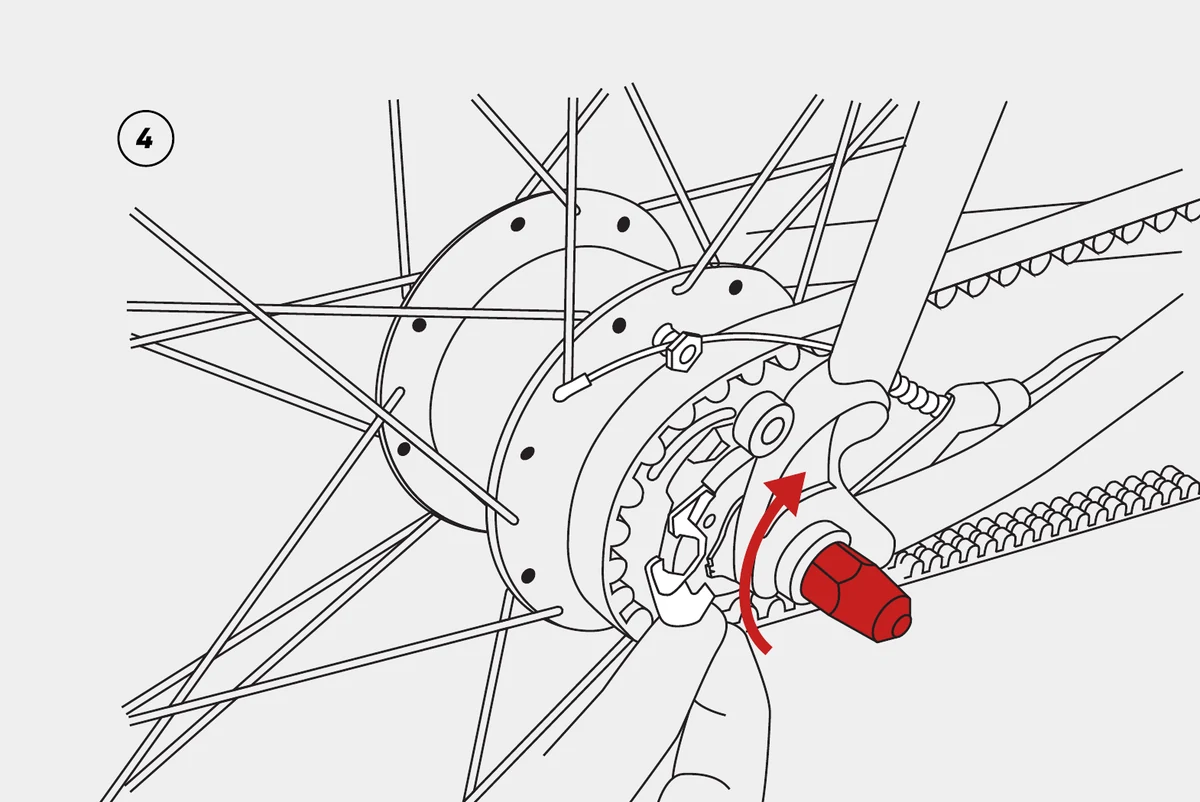
5. Pull the shift cable out of its holder
Section titled “5. Pull the shift cable out of its holder”Pull the shift cable out of its holder on the cassette joint.
The shift cable should now be fully disconnected from the rear hub.
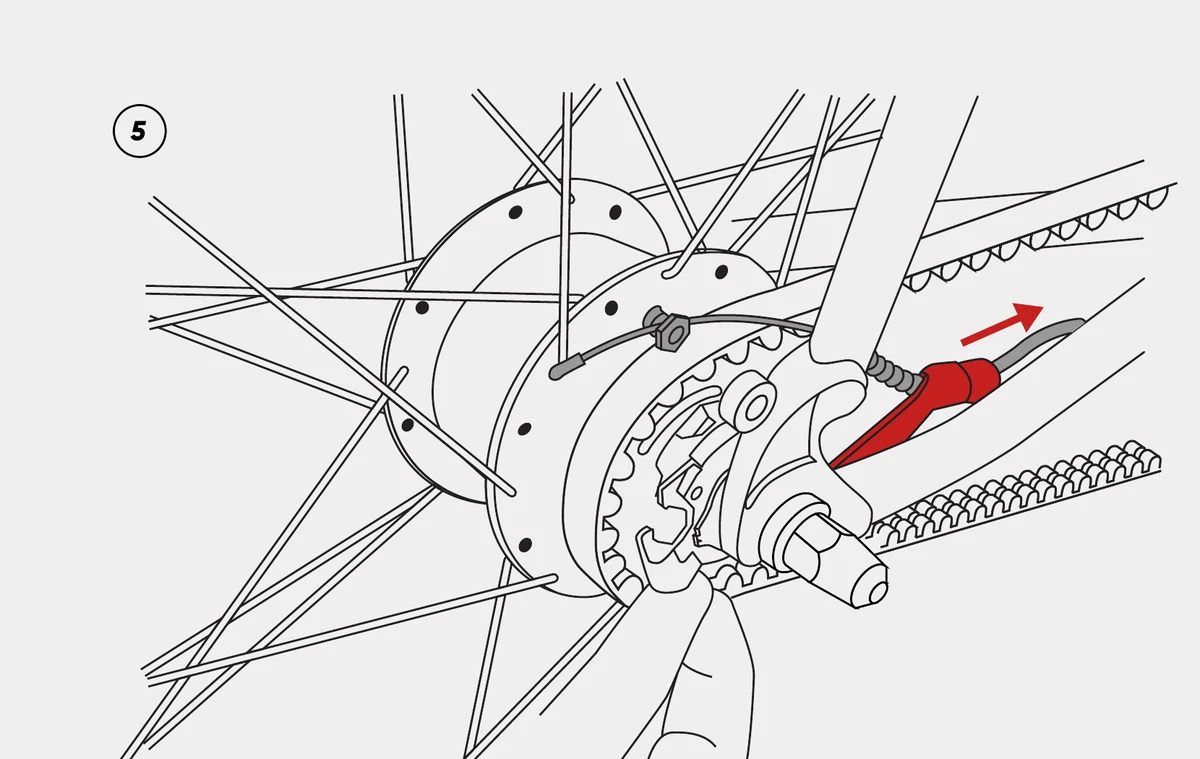
6. Remove the rear wheel
Section titled “6. Remove the rear wheel”Once the axle nuts are loose enough, lower the rear wheel downward out of the frame.
Be careful with the belt, brake rotor, shift cable, and frame dropouts.
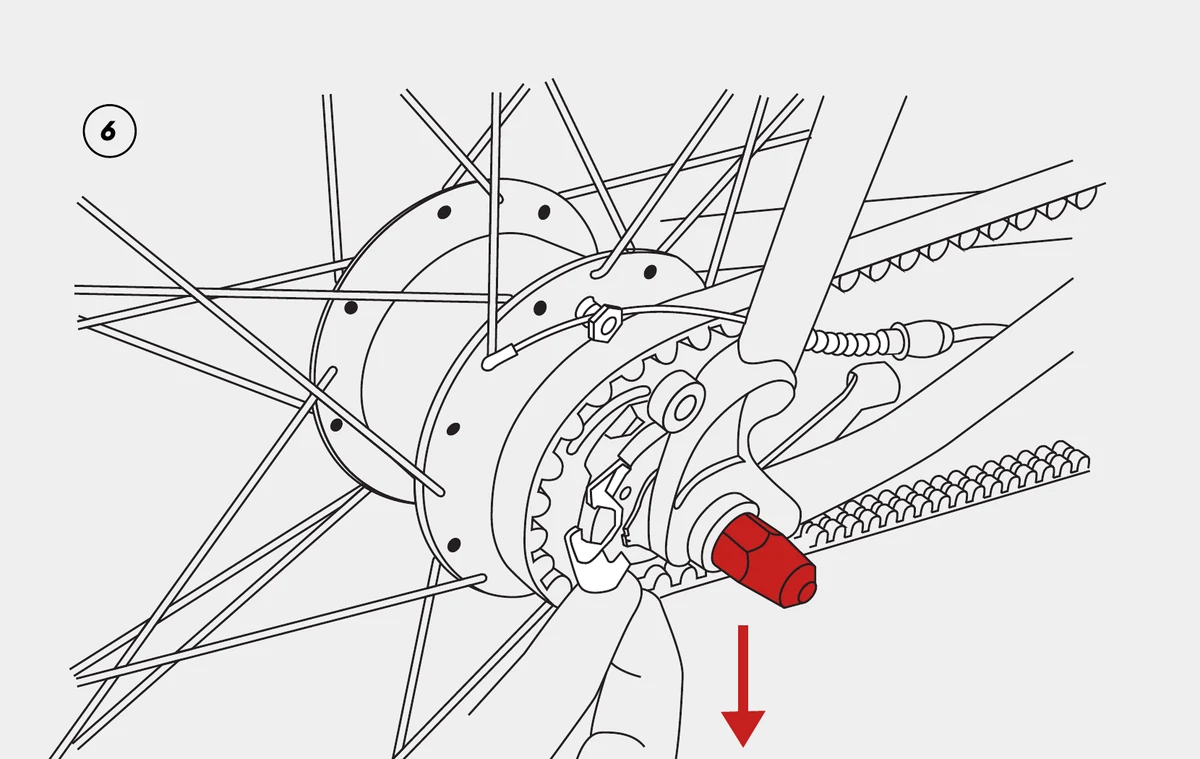
Reinstalling the wheel
Section titled “Reinstalling the wheel”Install the rear wheel in the reverse order:
- Place the rear wheel back into the frame.
- Seat the belt correctly on the rear sprocket.
- Tighten the rear axle nuts.
- Reconnect the shift cable to the cassette joint.
- Check that the shift cable is seated correctly.
- Spin the wheel by hand and check that it runs straight.
- Test the rear brake before riding.
- Test the shifting at low speed.